
Large TV mounting, 75" to 100" and up
Big screens change the job. A TV that's 85 inches or larger is heavy, wide and awkward to lift, and a mount that works for a 55-inch set may not be rated for it. We plan large installs around the weight, the wall and the room so the result is secure and centered.
Rated 5.0 out of 5. 200+ five-star reviews on ThumbtackRead reviews (opens Thumbtack in a new tab)
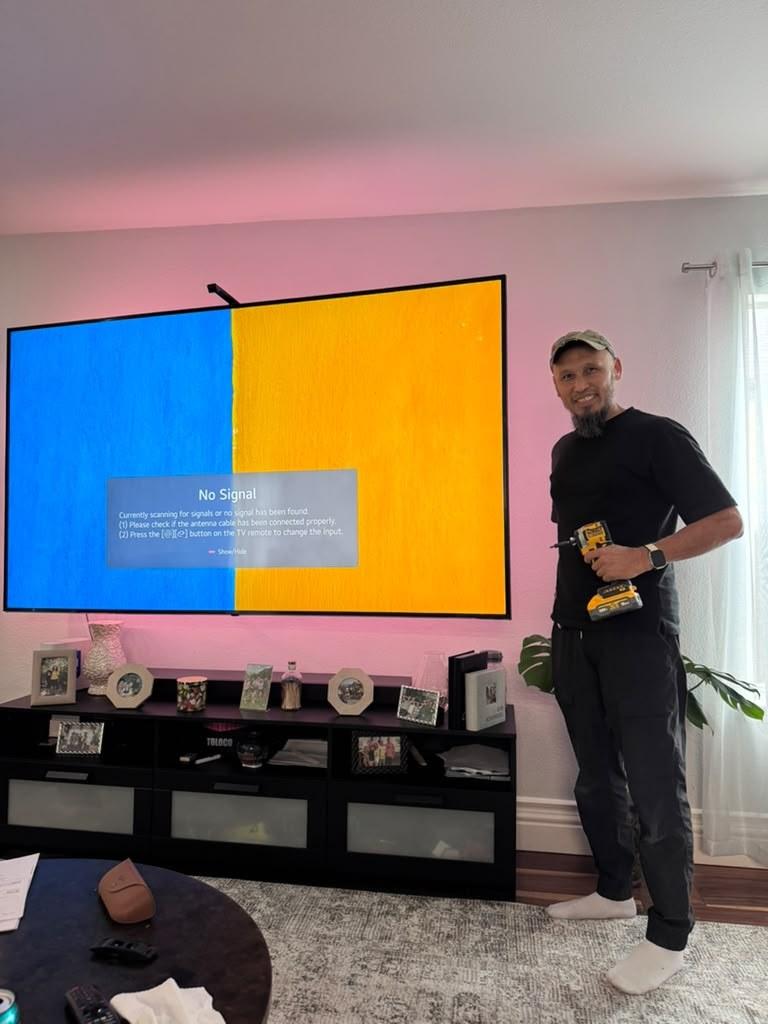
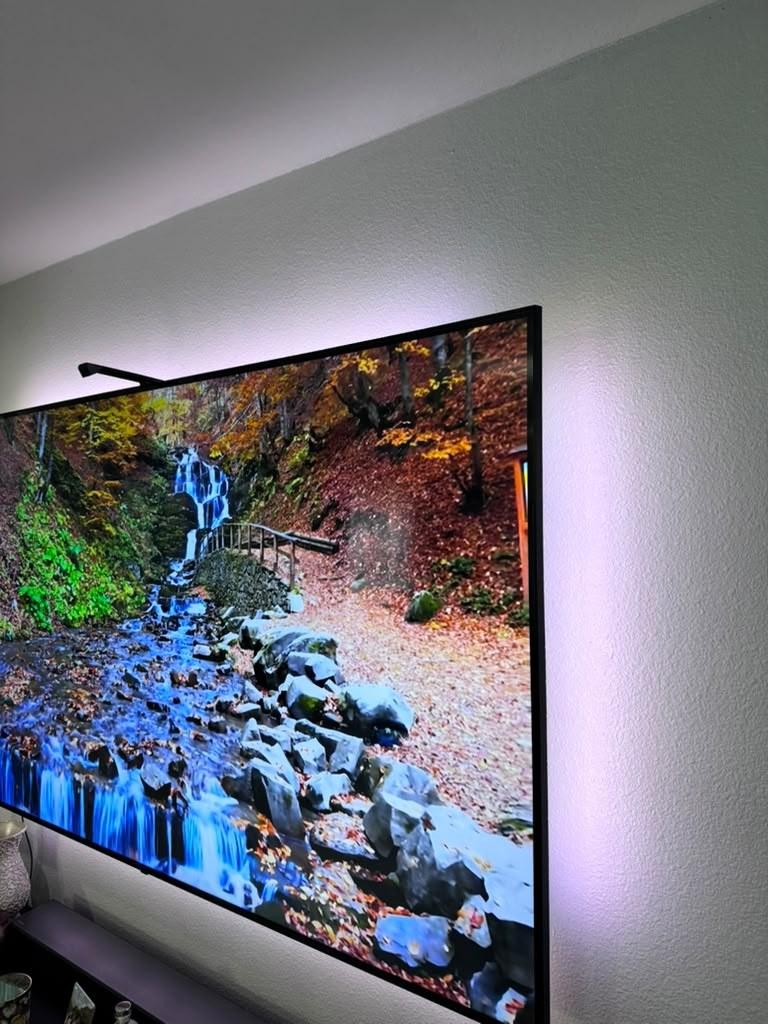
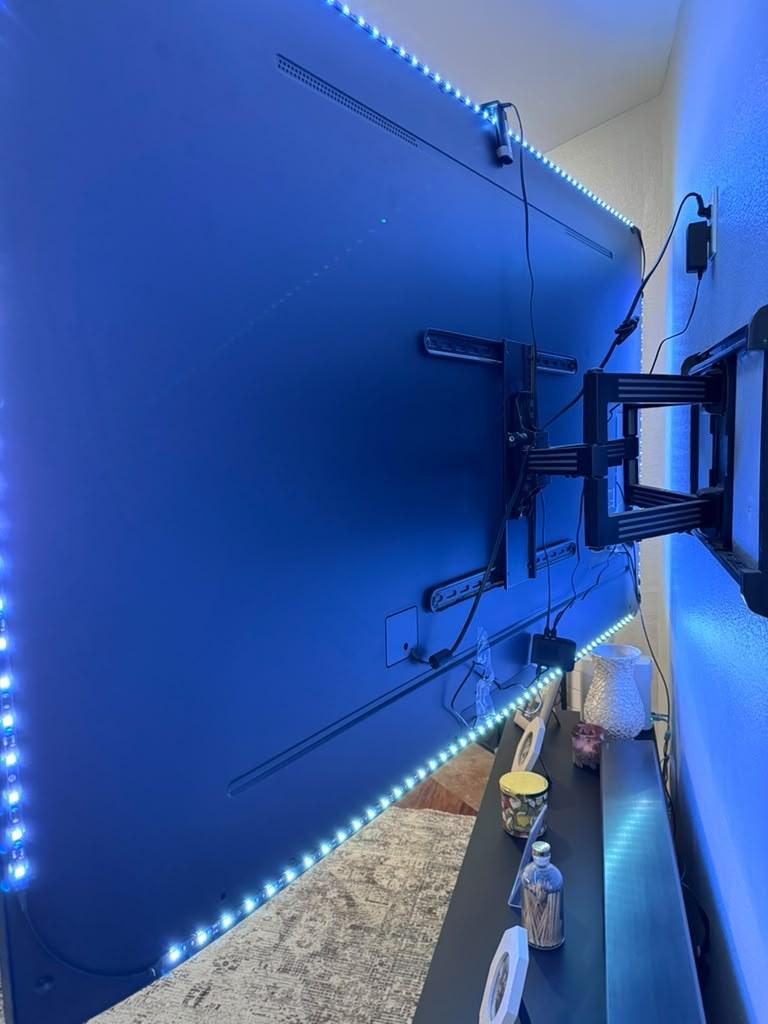
At a glance
- Mounts matched to your TV's weight and mounting pattern
- Anchored across multiple studs or into masonry
- Planned as a two-person lift when the TV calls for it
Prices
TV mounting from $69. The quote form adds it up as you answer, and we confirm after seeing your wall.
TV mounting
| Item | Price |
|---|---|
| Up to 55" | $69 |
| 56–65" | $89 |
| 66–77" | $119 |
| 78–85" | $149 |
| 86" and up | $229 |
Per TV, on drywall, with your own mount. Leveled, secured into studs or the right anchors, and checked with you.
Common extras
| Item | Price |
|---|---|
| Brick | +$50 |
| Above a fireplace | +$75 |
| Fixed mount | +$49 |
| Tilting mount | +$69 |
| Paintable cord cover | +$35 |
| Hidden in the wall | +$109 |
| Soundbar | +$49 |
| Take down an old TV | +$30 |
| Patch the holes after a take-down | +$20 |
A mount rated for the load
Every mount has a maximum weight and a set of supported mounting-hole patterns (often called VESA sizes). For large TVs we confirm both against your TV's specifications before install day. The TV's model label (the sticker on the back) is the quickest way for us to look that up, which is why the quote form asks for a photo of it.
Anchored into the structure
Wide mounts are designed to span more than one stud so the load is shared across the wall's framing. On brick, stone and concrete we use masonry anchors sized for the weight. Drywall alone is never what holds the TV.
A safe lift
Large panels are thin, heavy and easy to damage if they flex. Lifting them onto a wall mount safely takes two people. If your TV needs a second set of hands, we'll plan for it when we quote rather than surprise you on the day.
Size, height and seating distance
The bigger the screen, the more placement matters. We'll center the TV on the wall or your furniture, set the height for your seating, and talk through tilting or full-motion options if the room needs them.
Common questions
How big a TV can you mount?
Everything from small bedroom TVs to 85-inch-plus screens. For large or heavy TVs we confirm the mount's weight rating and mounting pattern, how the wall is built, and whether the lift needs a second person. We plan all of that when we quote.
Do I need to buy a mount before you come?
No. If you already have one, choose its type in the quote form and we'll confirm it's right for your TV and wall. If you don't, tell us whether you want the TV fixed flat, tilting or full-motion, and we'll recommend a mount when we quote.
How high should my TV be mounted?
In most living rooms, the center of the screen should sit close to your eye level when you're seated, often around 40 to 45 inches from the floor, depending on your seating and screen size. Above a fireplace it will sit higher, which is where a tilting or pull-down mount helps. We mark the position and confirm it with you before drilling.
Can you mount more than one TV in the same visit?
Yes, and each extra TV in the same visit costs less than the first: $65 up to 65", $85 for 66–77", or $100 for 78" and up. Add them all in the quote form and it prices them together.
Why do you ask for photos?
Photos of the wall, your TV's model label and any mount you already have show us the details that change a job: wall material, outlet locations, fireplace clearances and whether a mount fits your TV. That lets us quote accurately before we arrive. Your photos stay private and are only used for your request.
What should I do before you arrive?
Clear the area in front of the wall, have the TV and any mount, soundbar or devices on site, and have an idea of where you'd like the TV. If your TV came with its own mount or parts (like a Samsung Frame), keep everything from the box.
Guides
- How much weight can drywall hold for a TV?Why the studs, not the drywall, hold a TV, how far apart they are, and what one mount maker asks of the wall.
- Which TV mount fits my TV?The VESA hole pattern, the weight rating, and where to find both for your TV.
- Fixed, tilting or full-motion: which TV mount do you need?What each mount does, which rooms suit it, and why a full-motion arm needs studs or solid masonry.
TV mounting near you
Planning a big screen? Start here
Answer a few questions and add photos of the wall. We'll get back to you with a quote.